Get started with Library AI Assistant
Ready to save time and simplify library and resource data management with Destiny? Here's how to get started with your new assistant.
|
Notes:
|
Access your assistant
Find your assistant on any page in Destiny Back Office.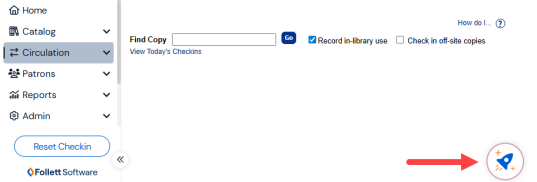
How it works
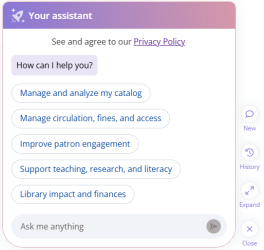
Step 1: Enter a prompt.
Type your question or request in everyday language, or select a pre-built prompt to get started.
Your assistant can answer questions about your catalog, circulation, and resource inventory data. It can also:
- Provide best practice recommendations (for example, how to weed your collection).
- Help you use Destiny features more effectively.
For the best results, use clear and specific queries.
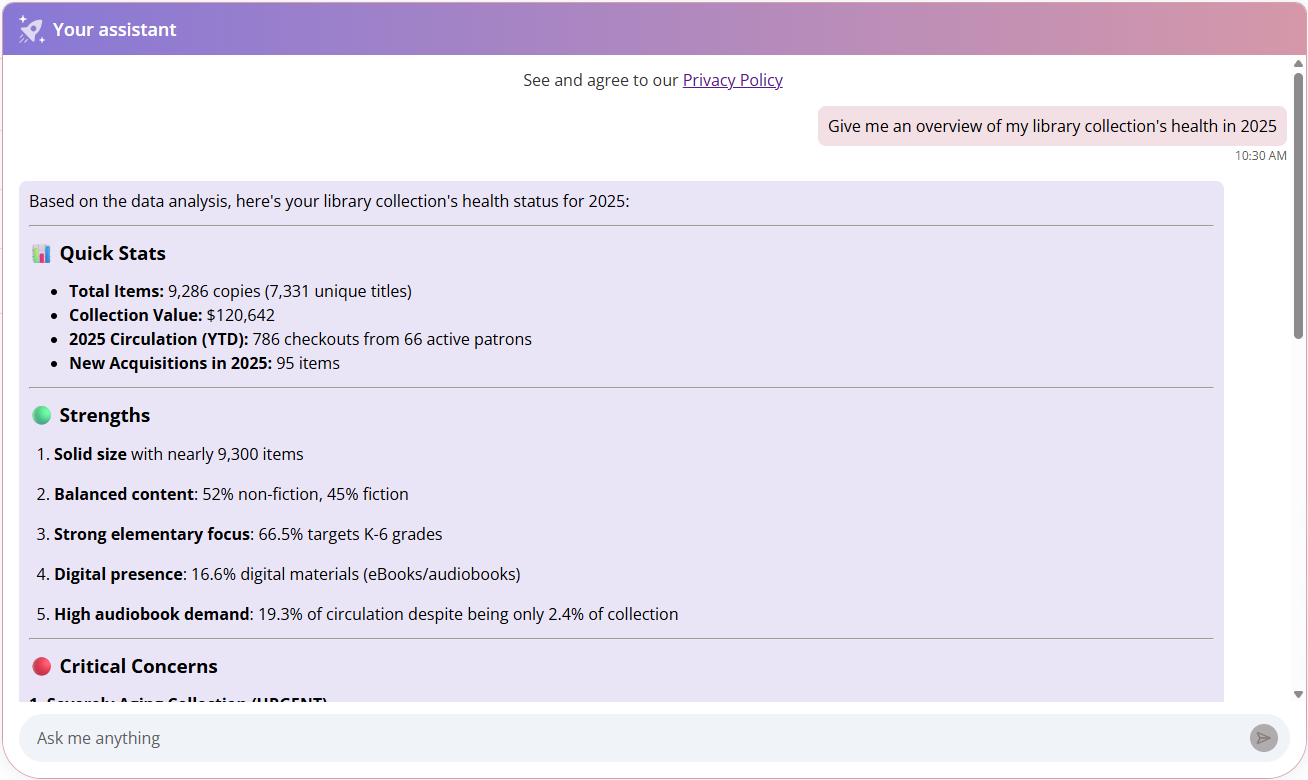
Step 2: Review the response.
Responses can include quick insights for simple data inquiries, as well as more detailed data for more complex requests.
Step 3: Continue the conversation and provide feedback.
If you need more specific information or have follow-up questions, keep the conversation going by asking another question or refining your prompt.
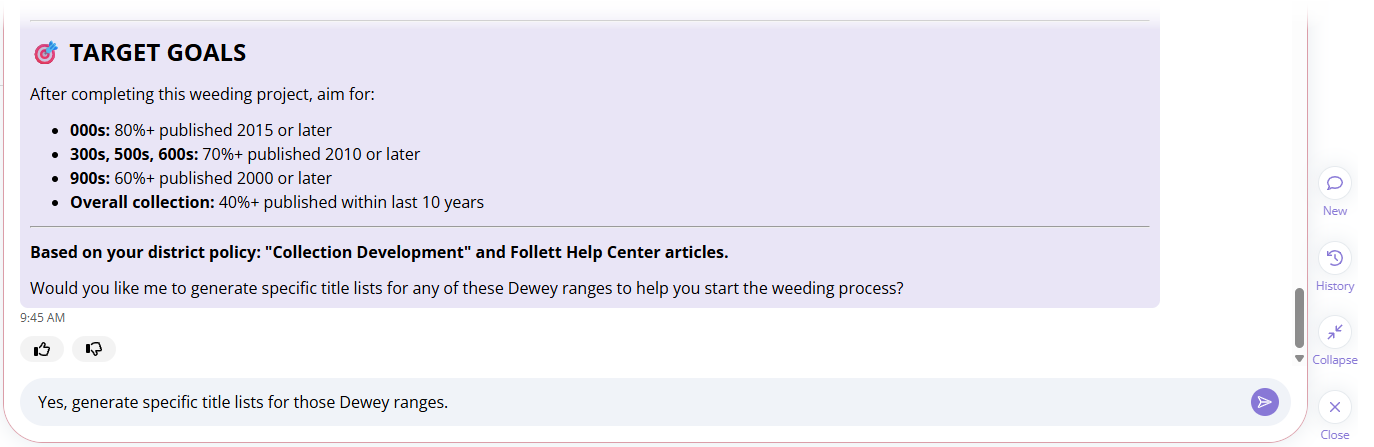
Click  or
or  to provide feedback on the quality of the response. Your feedback helps train and refine Library AI Assistant. Once you rate the response, you can also type an explanation.
Manage conversations
Library AI Assistant makes it easy to manage your conversations.
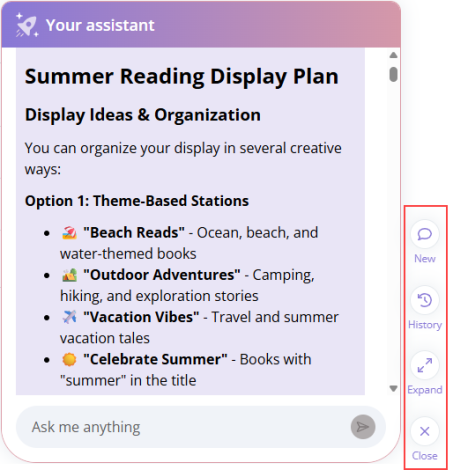
Start a new conversation
To the right of your assistant, click New. Use a new conversation when you switch topics so it's easier to keep your chats organized.
View or continue previous conversations
To the right of your assistant, click History. Conversations can be renamed for easy reference and be deleted when no longer needed. To access these options, next to a conversation, click  .
.
Note: Each user can keep up to 100 of their most recent conversations. When you reach the limit, the oldest conversation is automatically deleted. To keep your important conversations, periodically delete ones you no longer need. |
Expand or collapse your view
To the right of your assistant, click Expand. Use this view when you want more space to read responses or review longer conversations.
Close your assistant
When you're not using your assistant, close it to see more of Destiny.
Note: Data is refreshed nightly and is not real-time. |